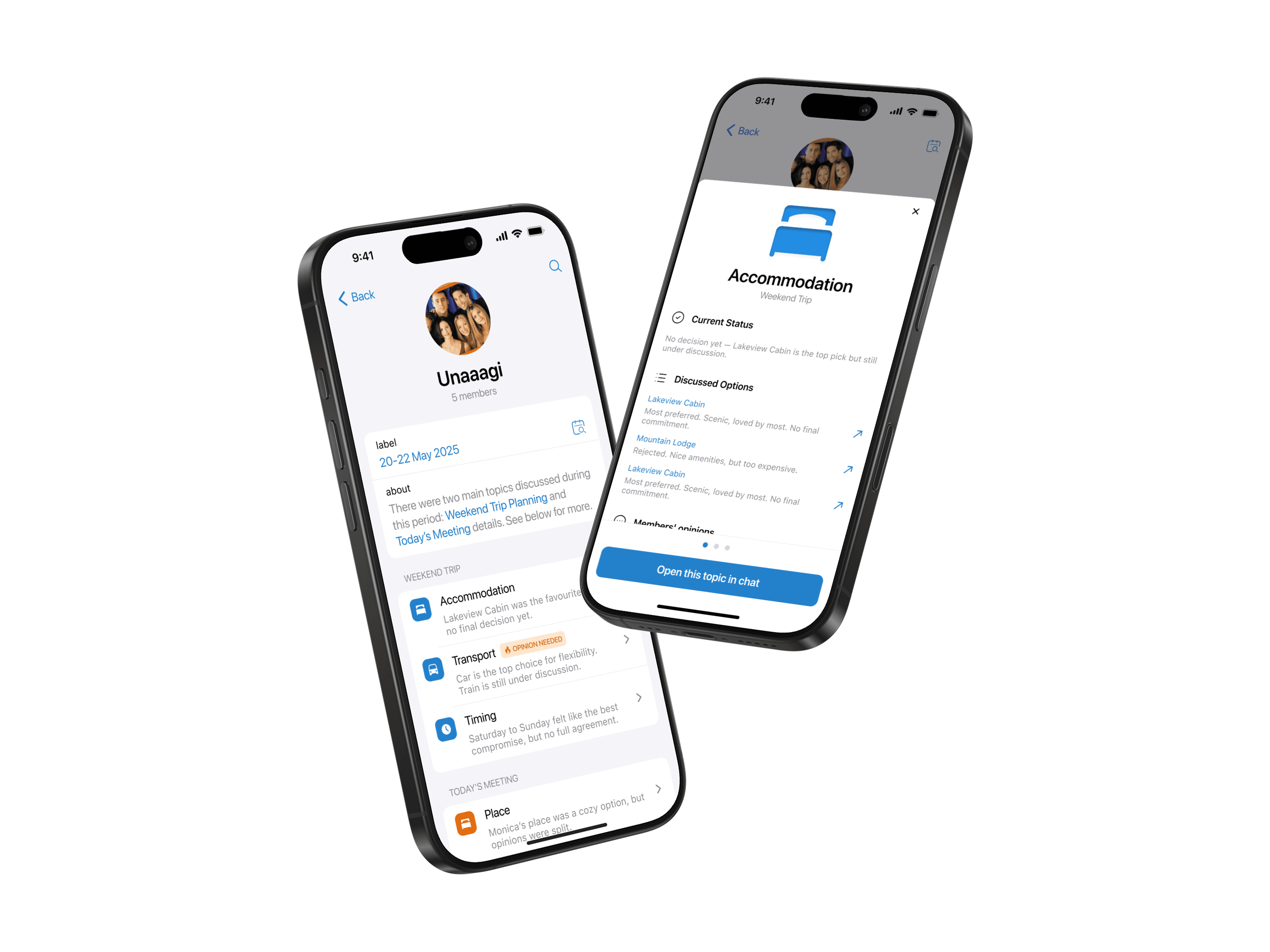
EdTech
PoC
In January 2025, I joined the Critical Reasoning project to design a mobile PoC focused on structured, repeatable critical thinking practice.
My mission was to transform abstract academic theory into an addictive daily habit. My goal was to repackage heavy logic concepts into a bite-sized mobile experience that turns passive study into active muscle memory.
Research, UI/UX Design, Prototyping
Product Designer
4 weeks
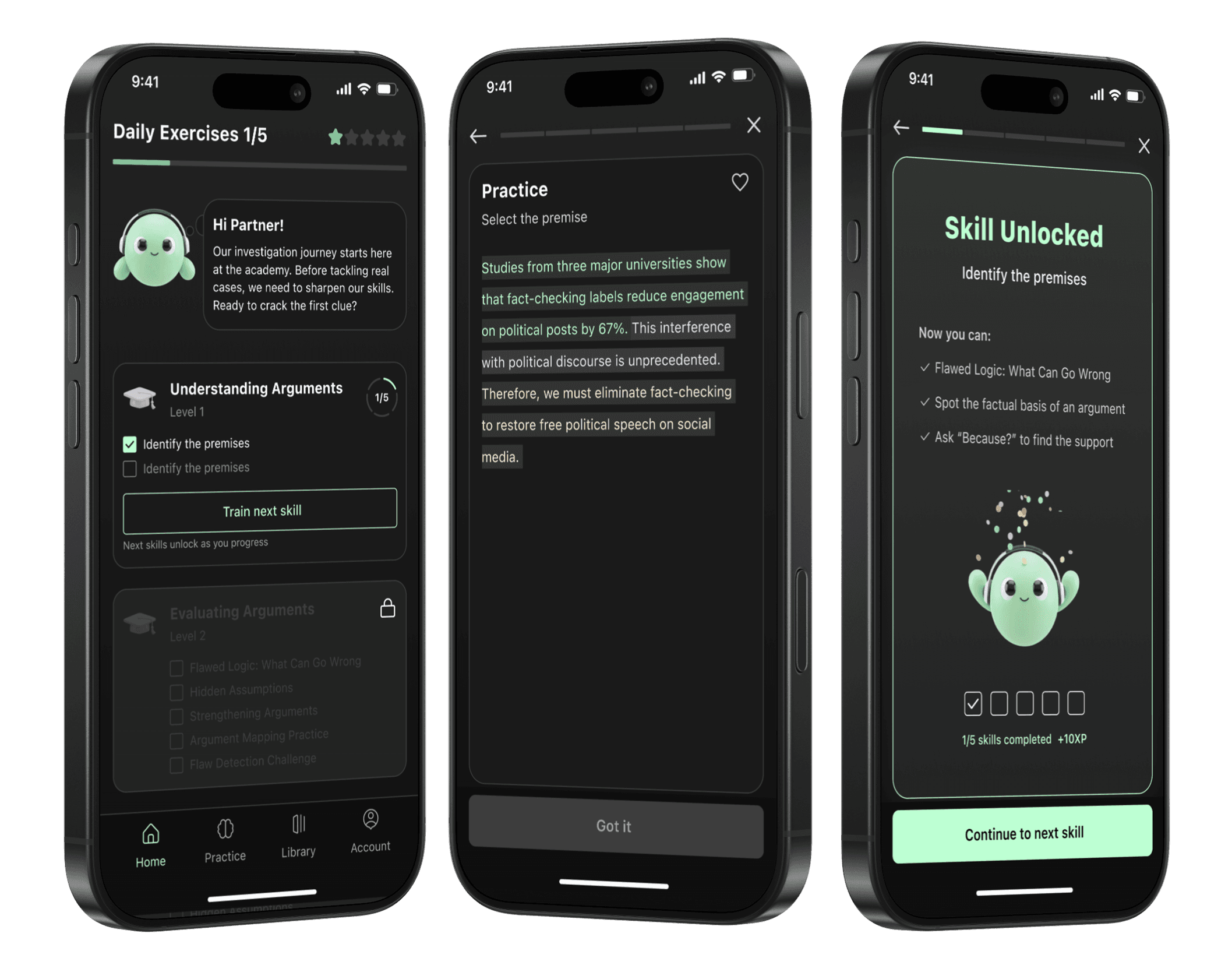
About Product
Core hypothesis
Critical Reasoning is designed to build a real cognitive skill, not to explain one.
This skill cannot be learned by reading about biases. It is developed through repeated practice in decision-making situations.
What makes the product different
Instead of delivering theory first, the product treats critical thinking as a trainable muscle.
Users don’t just learn what cognitive biases are, they practice how to notice and handle them in context.
Target segments
How users solve this problem today
Books & Articles
theory with no practice
Online Courses
one-directional learning
Learn from mistakes
expensive & slow
product value
Research
Since the core value of the product is skill-building, I first reframed the product task. A skill is not knowledge. A skill is formed through repetition.
Skill = Repetitive Actions = Habbit
This made it clear that for users to actually develop critical thinking, the product must build a learning habit, not just deliver content.
Once this was defined, the direction of my research became obvious: I needed to understand how other products successfully build learning habits, and why some fail to do so.
My goal was to understand how different products form a learning habit:
what minimal actions they use for daily practice
which mechanics motivate users to return
how they balance theory and practice
how they lower the barrier to taking action

Duolingo
Daily active use, strong habit formation
✓ Streak freeze & protection
✓ Variable Rewards
✓ Micro-actions

Kahoot
High excitement, group engagement
✓ Time Scarcity
✓ Leaderboards
✓ Synchronous play

Brilliant
High engagement for difficult content
✓ Interactive "Do-first"
✓ Scaffolding
✓ Instant validation

Users rarely return daily
✗ Long-form video
✗ Delayed feedback
✗ No trigger

Users drop off after first modules
✗ Heavy Theory
✗ Deferred Reward
✗ Isolation

Good content, low stickiness
✗ No Interactive Feedback
✗ Linear structure
✗ Zero external triggers
Based on this research, I defined several core principles that shaped the product design:
"Do-First" interaction model
The very first screen of a session must always be a question, a challenge, or a case study.
Atomic content & scaffolding
To reduce a cognitive load, complex critical thinking concepts must be atomised. One Screen = One Concept / One Action.
Tight feedback loops
User must receive a dopamine hit the exact second they tap a button.
Visible mastery & streaks
Since critical reasoning is an abstract skill, the interface must make it tangible. Progress should be visible at all times. Users need to see their strength accumulating.
Scaffolding
The Audit
I started with a dense spreadsheet of theory. It was accurate, but purely passive. I realised this format was a retention killer: high cognitive load, zero dopamine, and it felt exactly like homework.
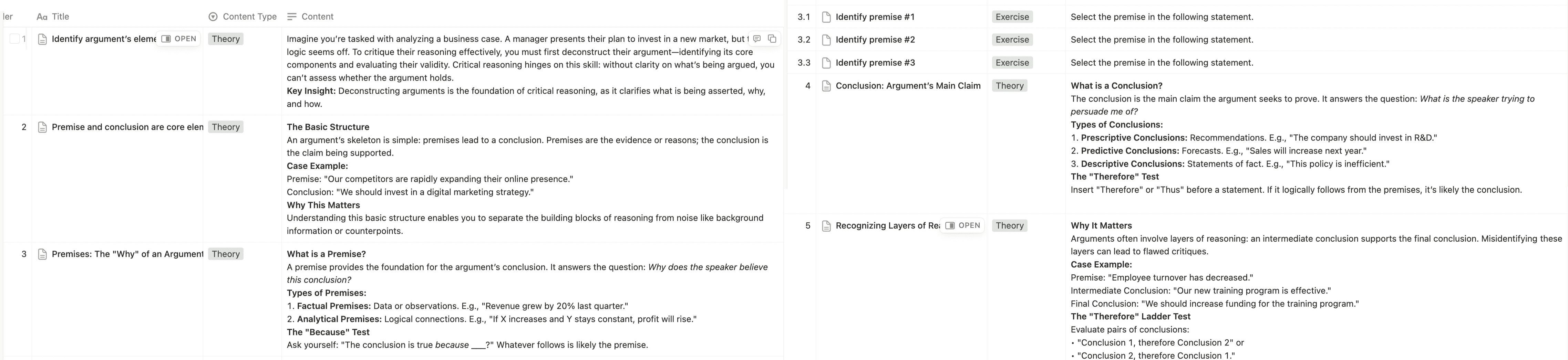
To build a habit, I had to destroy the homework vibe.
Step 1: Atomisation
First, I slashed the cognitive load. I broke the massive "wall of text" into atomic cards.
Theory
Theory
Theory
Theory
Theory
Theory
feedback
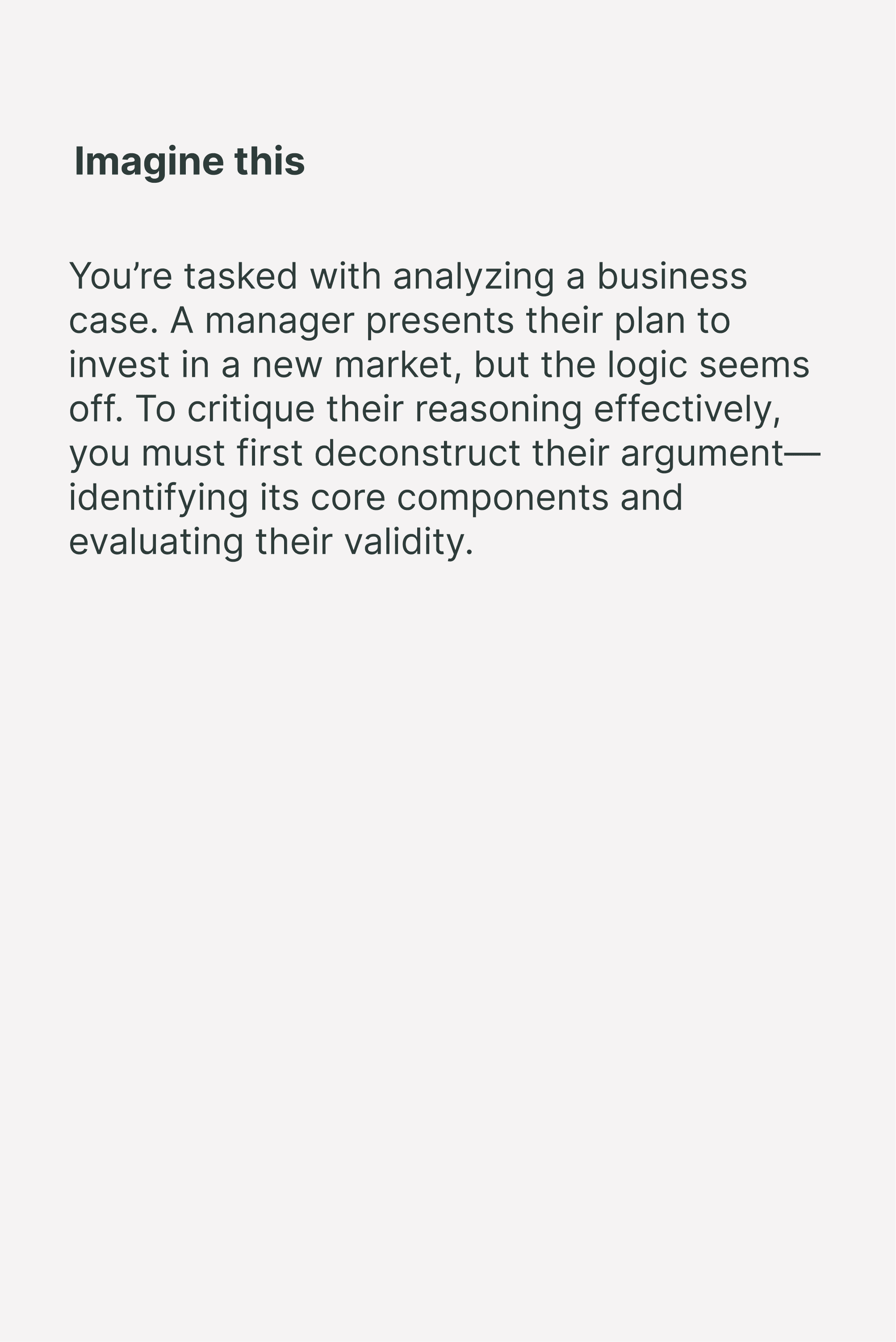
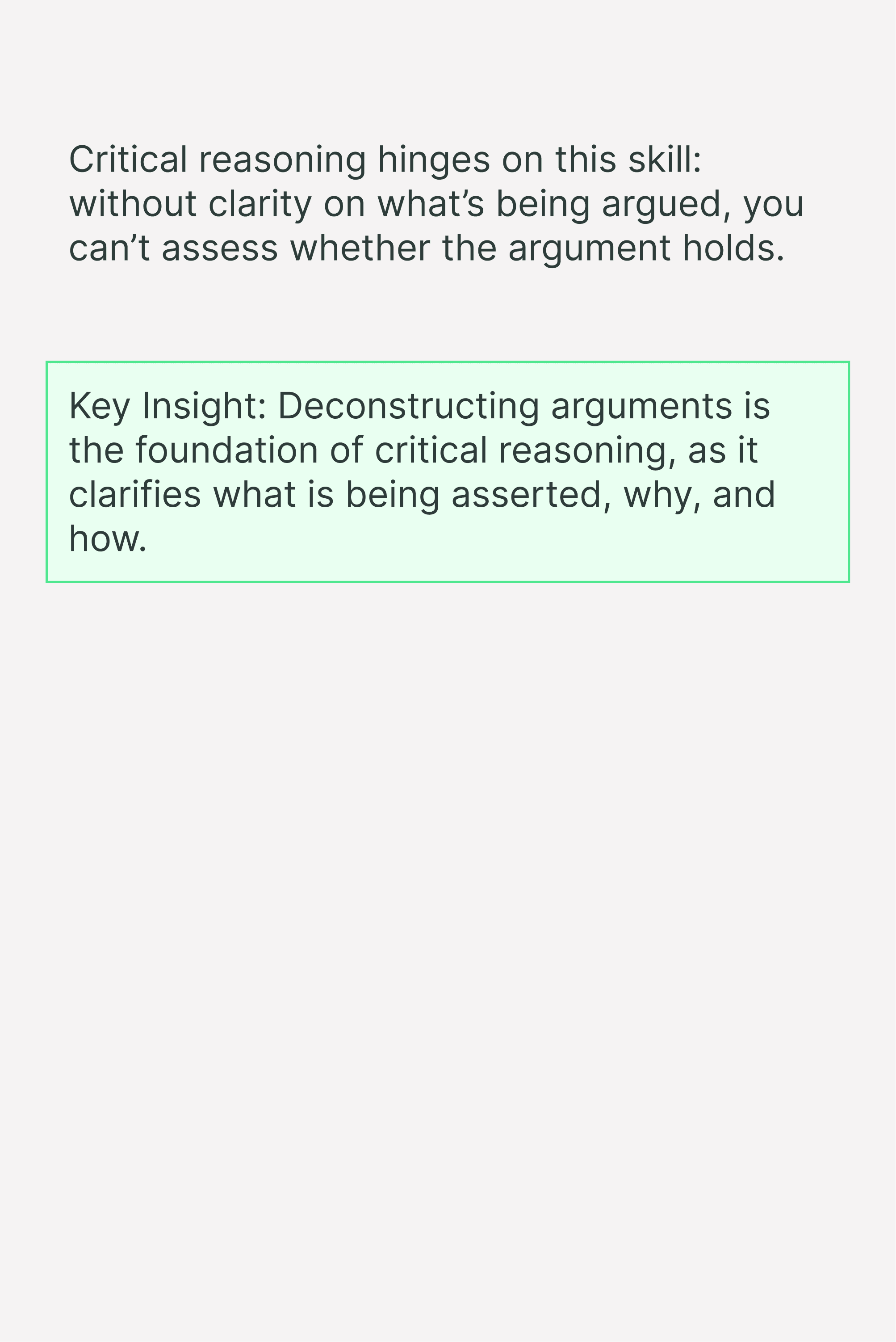

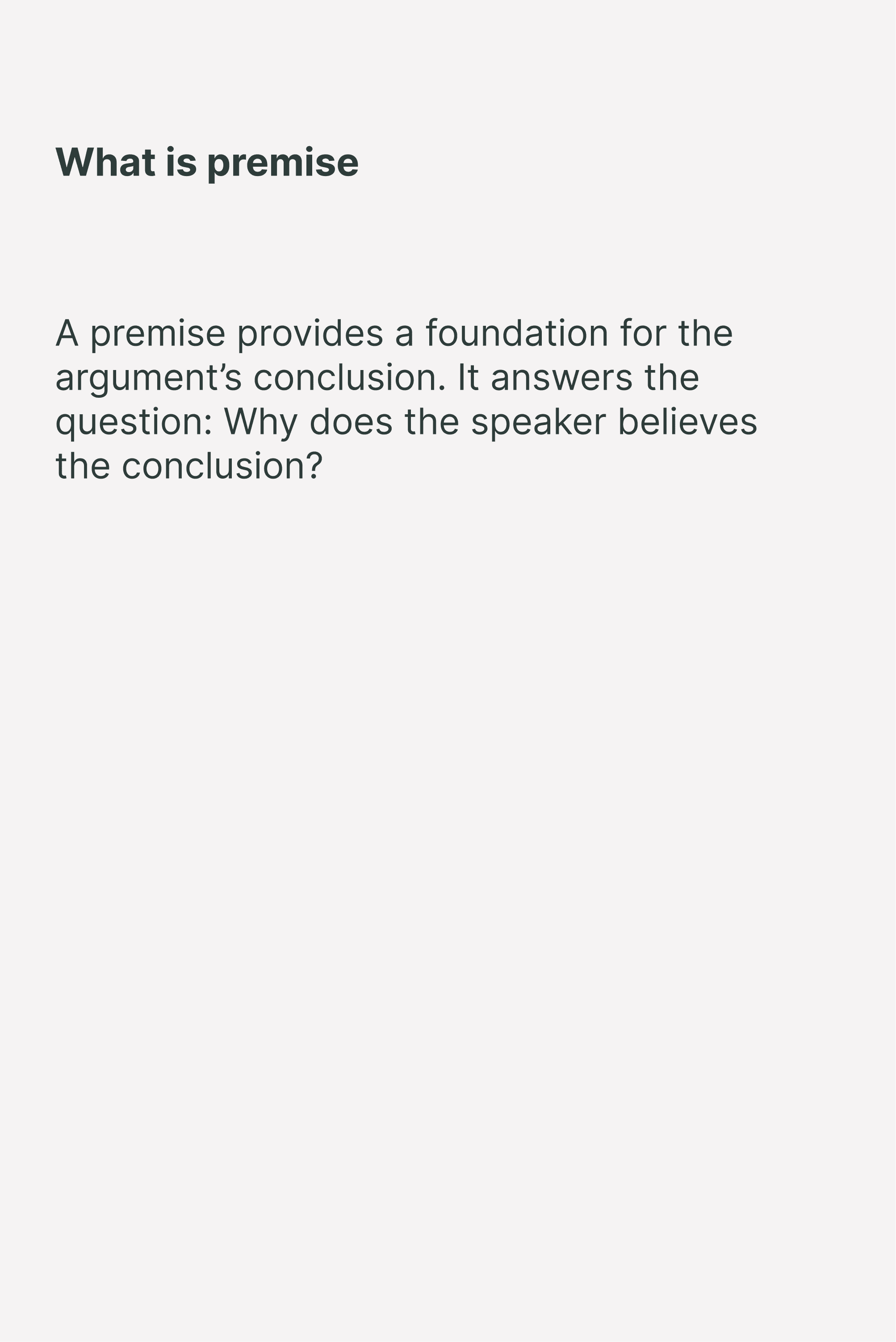
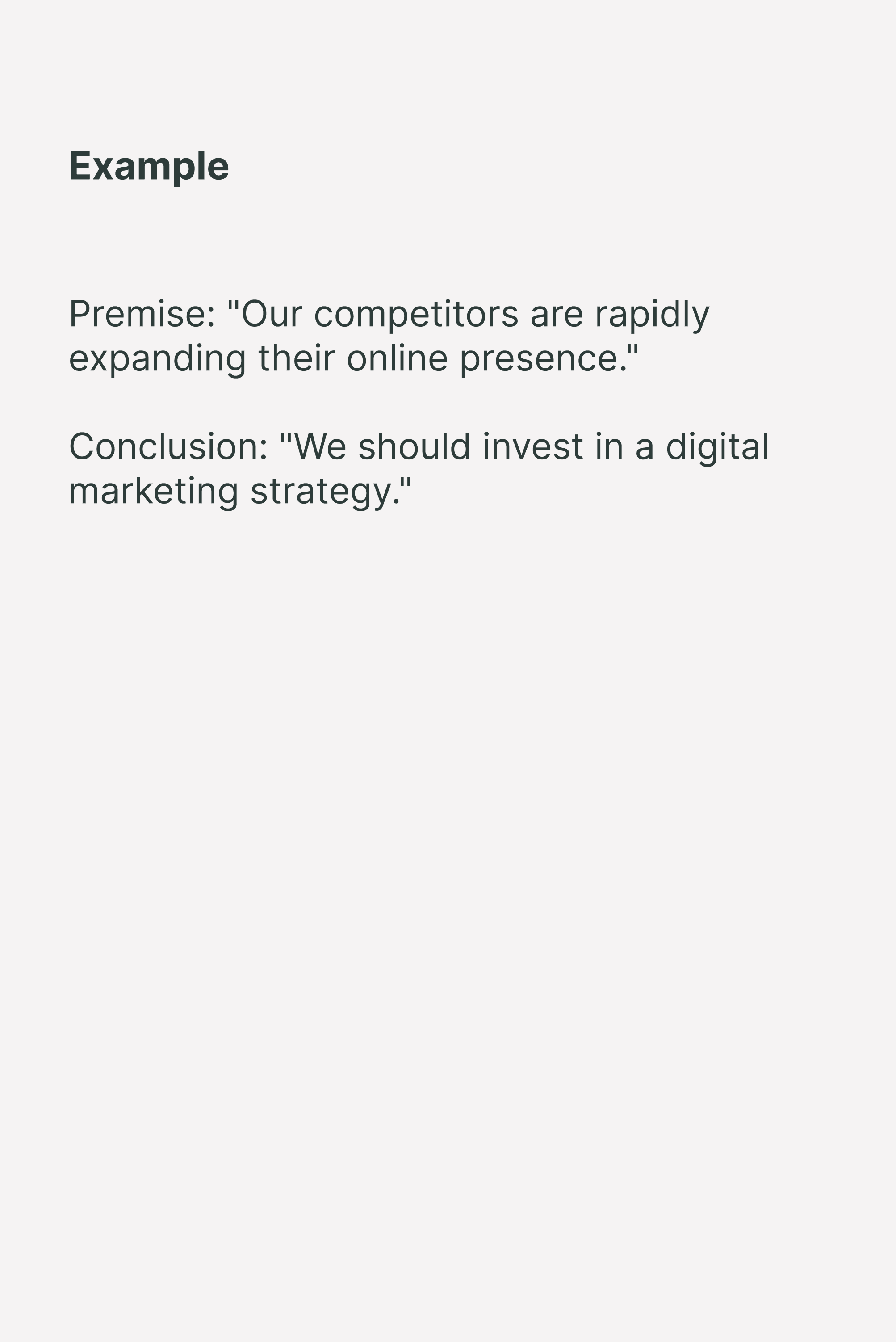
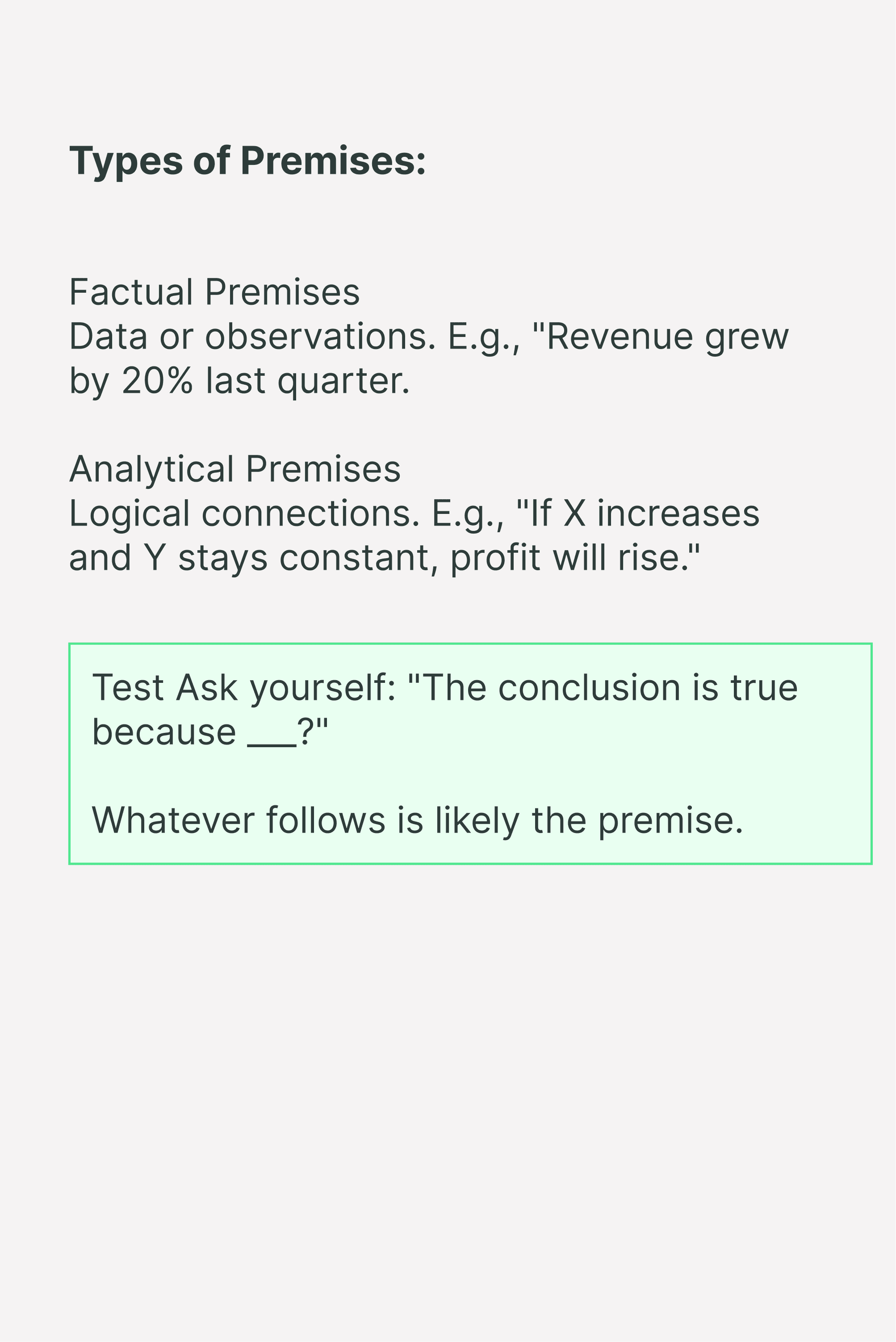

card 1
card 2
card 3
card 4
card 5
card 6
card 7
card 8
But structure wasn't enough, swiping through text cards was still just passive reading.
Step 2: Activation
I flipped the script and replaced consumption with action.
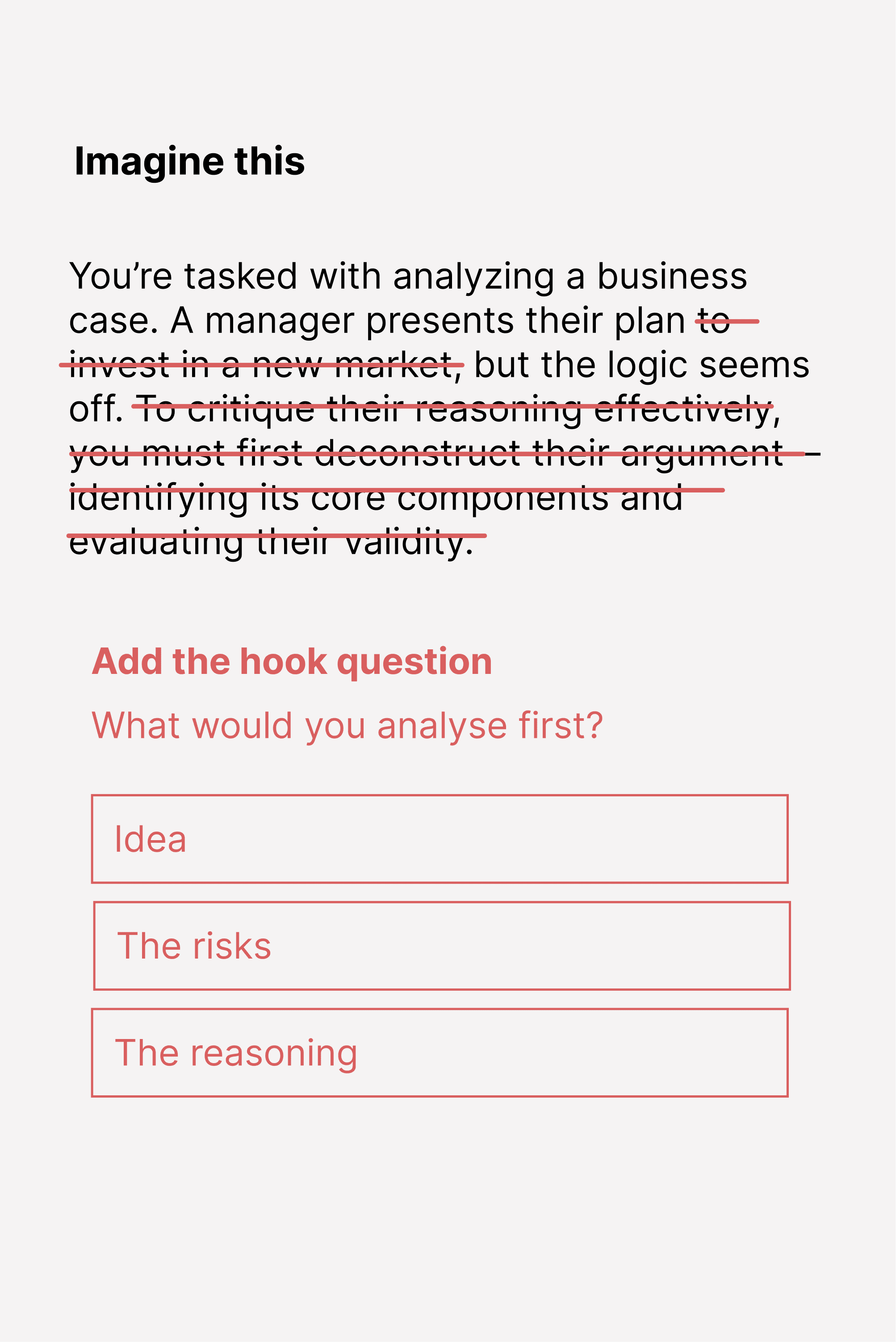
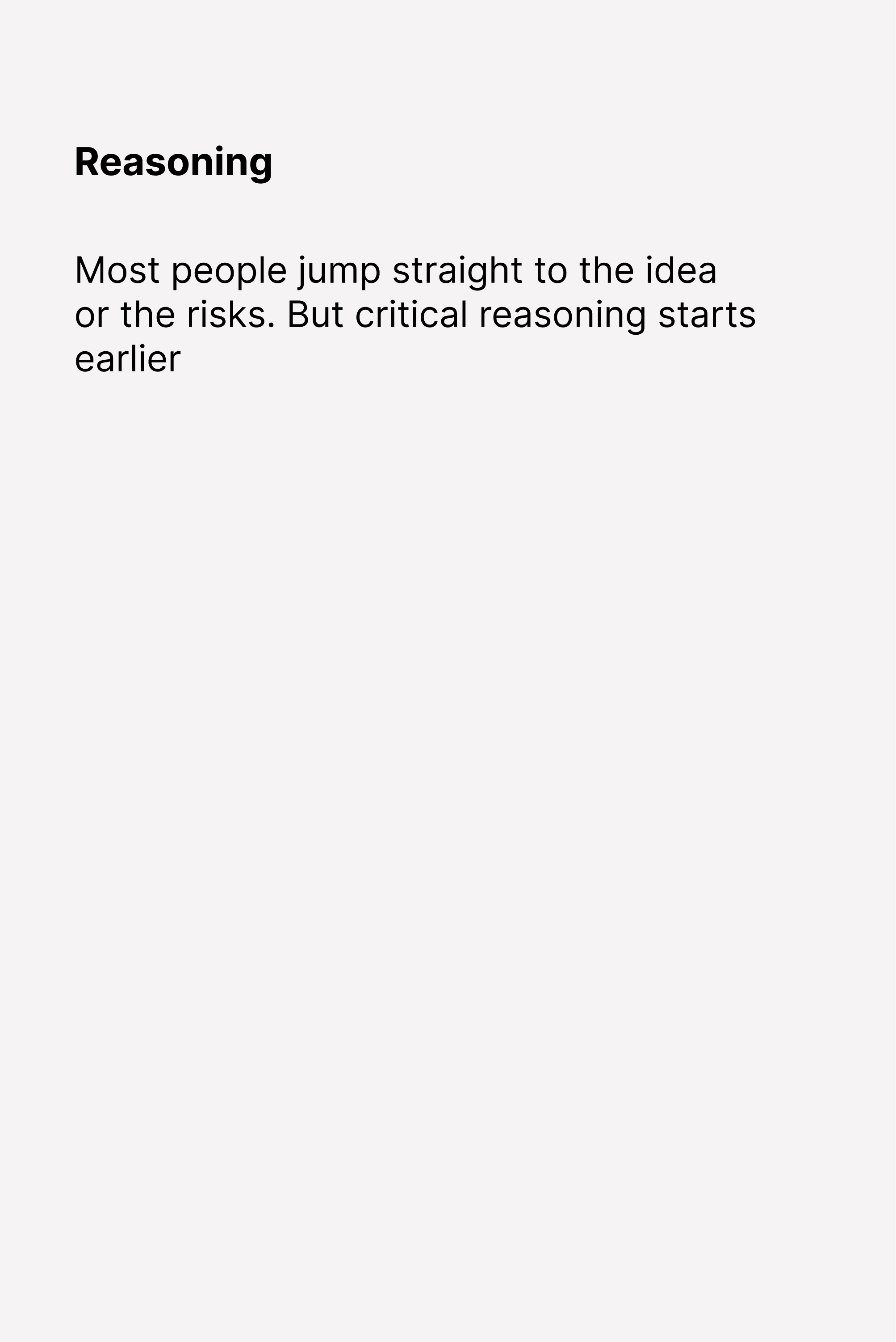
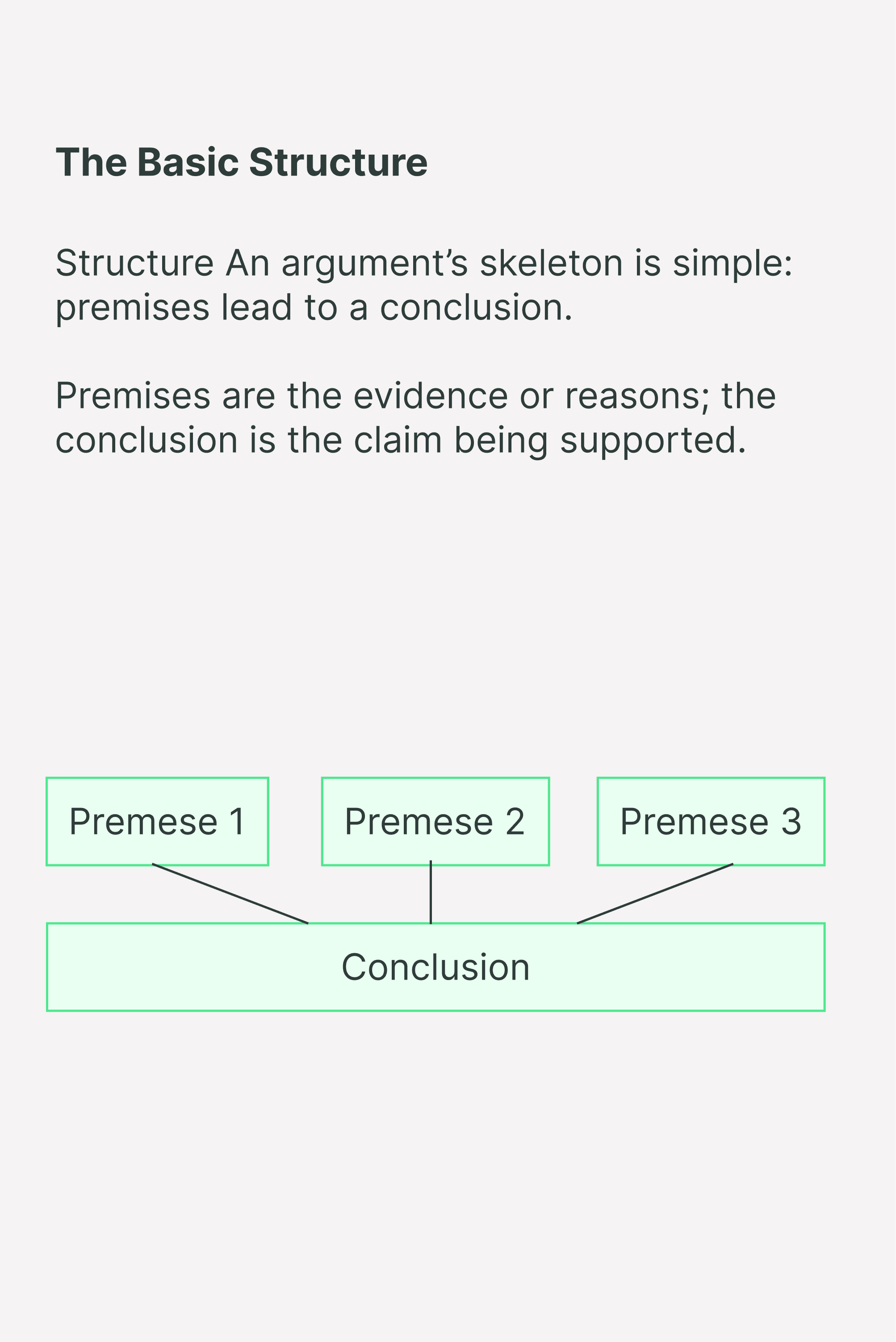

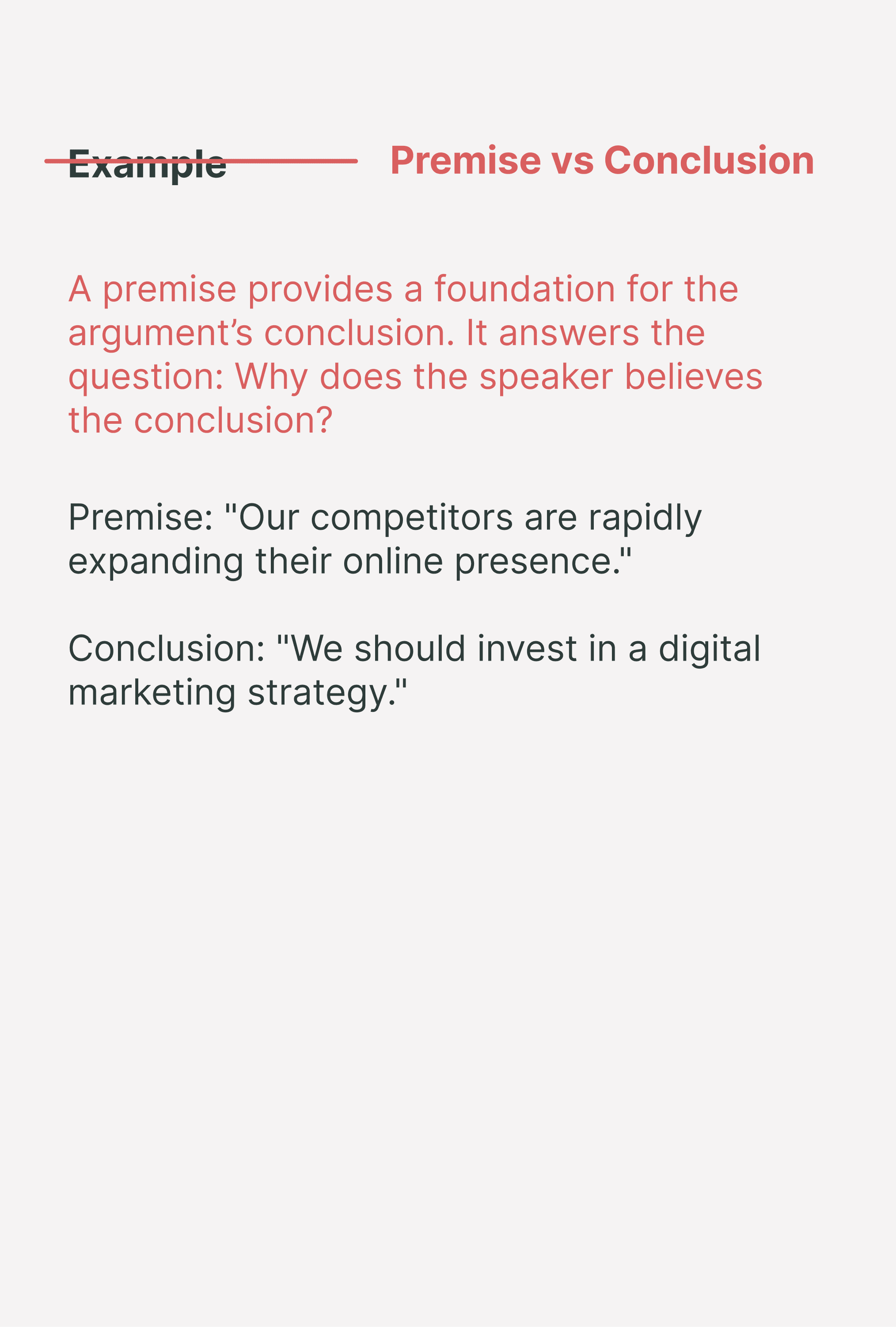


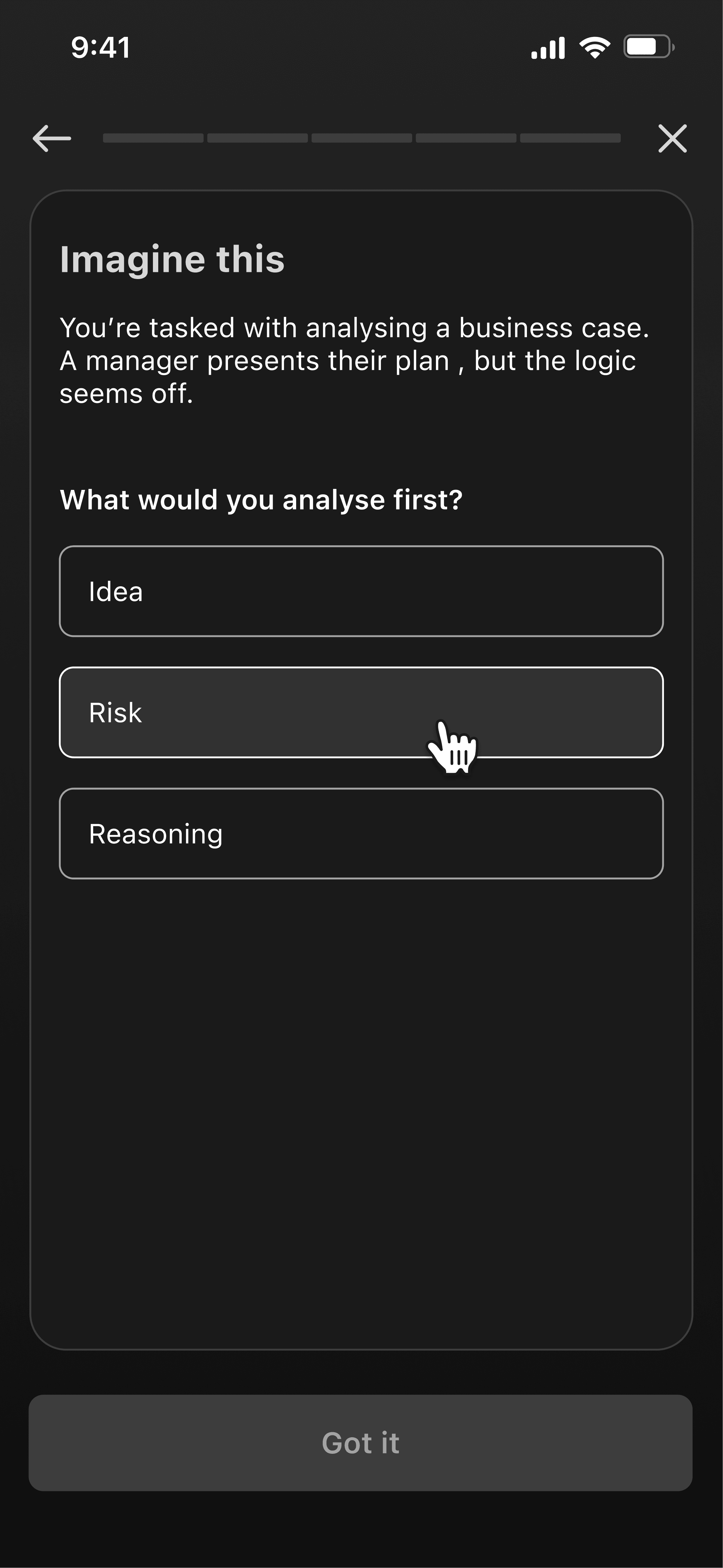
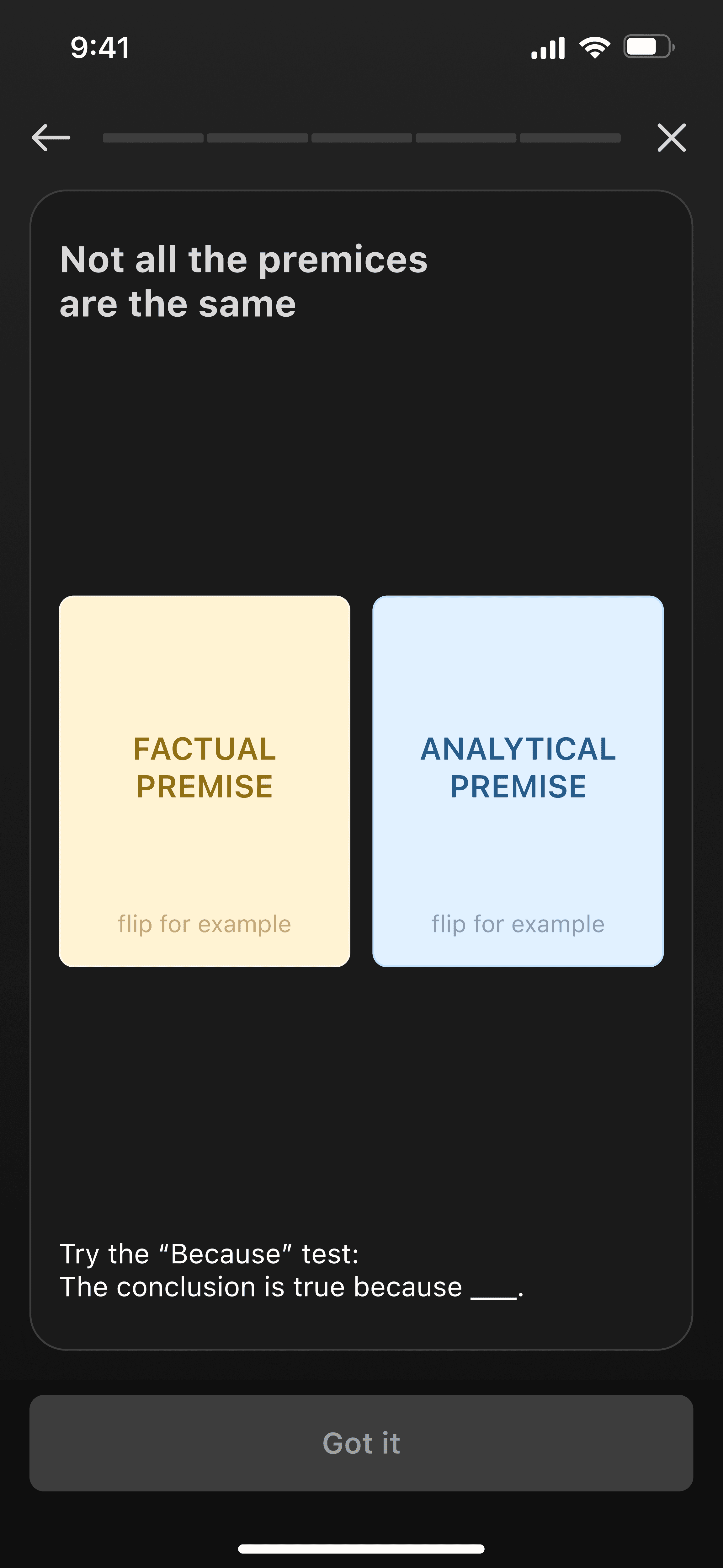
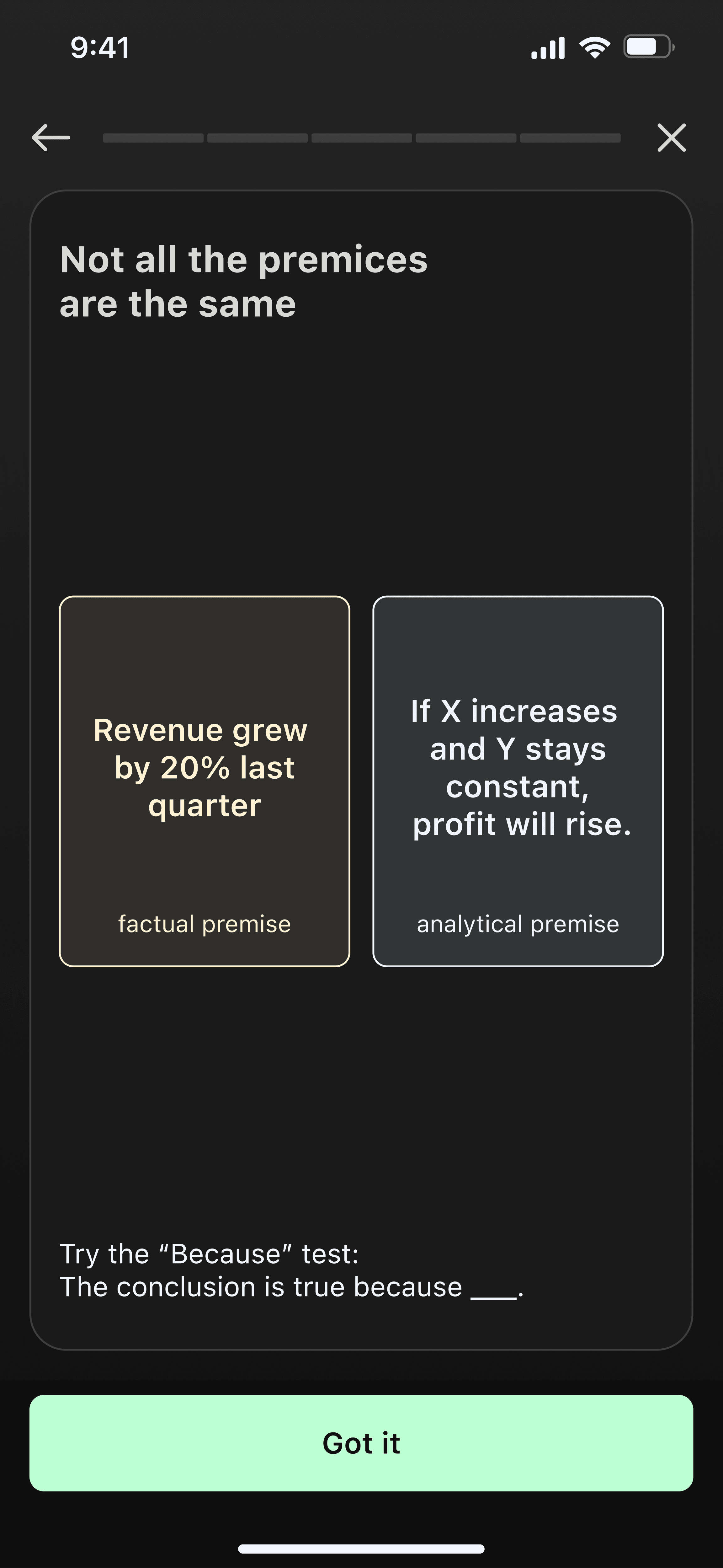
Instead of explaining a concept and then testing it, I force the user to solve a micro-case first. So user doesn't study the theory and can unlock it by playing.
card-level decision
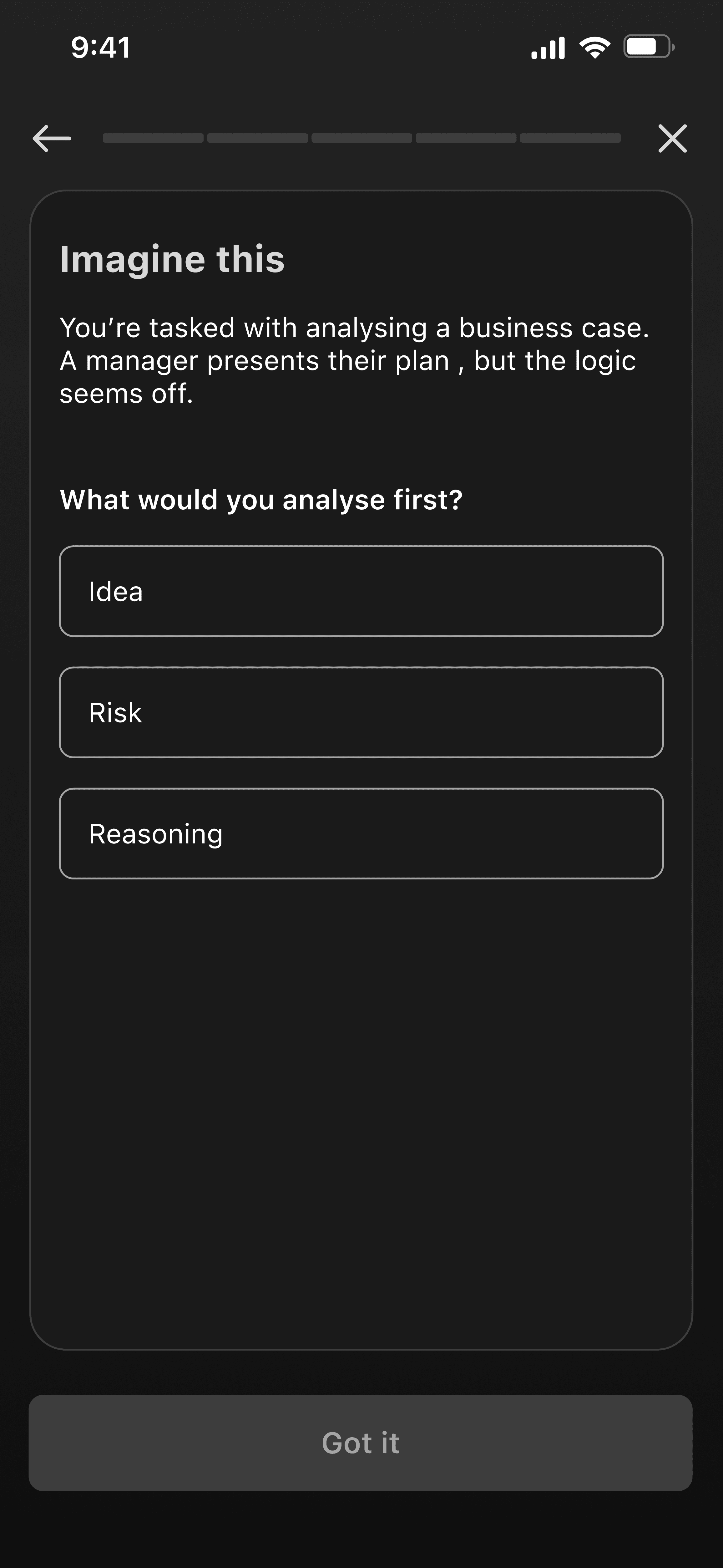
#1 Action-First Context
Problem
I originally started with two cards of pure theory followed by a "Got it" button.
This flow was too passive: users were just scanning the text without processing it. It was a retention killer.
Solution
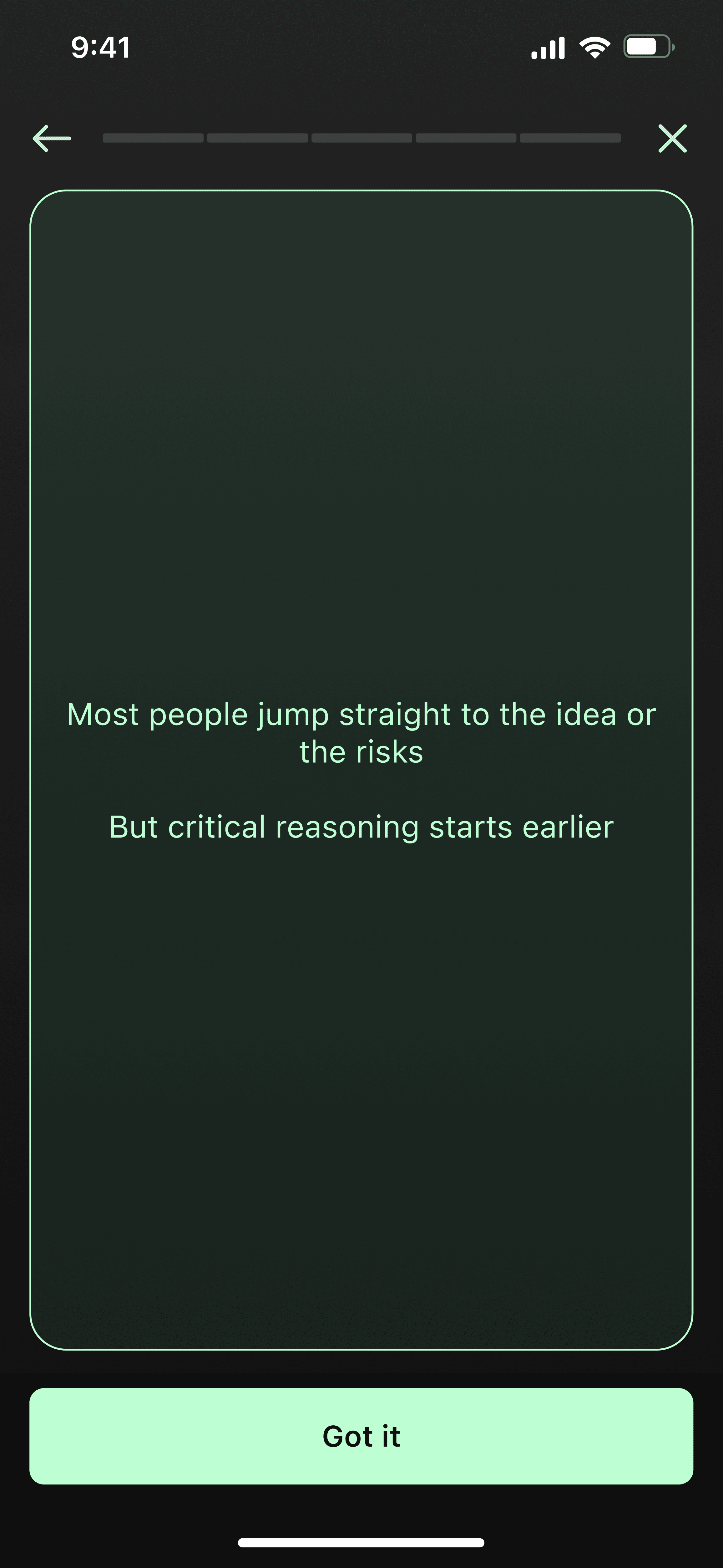
I inverted the flow. I stripped away the explanation and forced the user to face the situation immediately.
Action first → Explanation later.
Now, the user must commit to a decision first. The card flips to reveal the logic only after the choice.
It’s not a test, there’s no wrong grade. It’s an earned insight. Because the user struggled for a second, the answer lands harder and sticks longer.
#2 Active Discovery
Problem
I originally placed three theory cards in a row. This created a zombie loop: tap-tap-tap without reading.
Even when I atomised the text, the passive structure would bored the user before they learned anything.
Solution
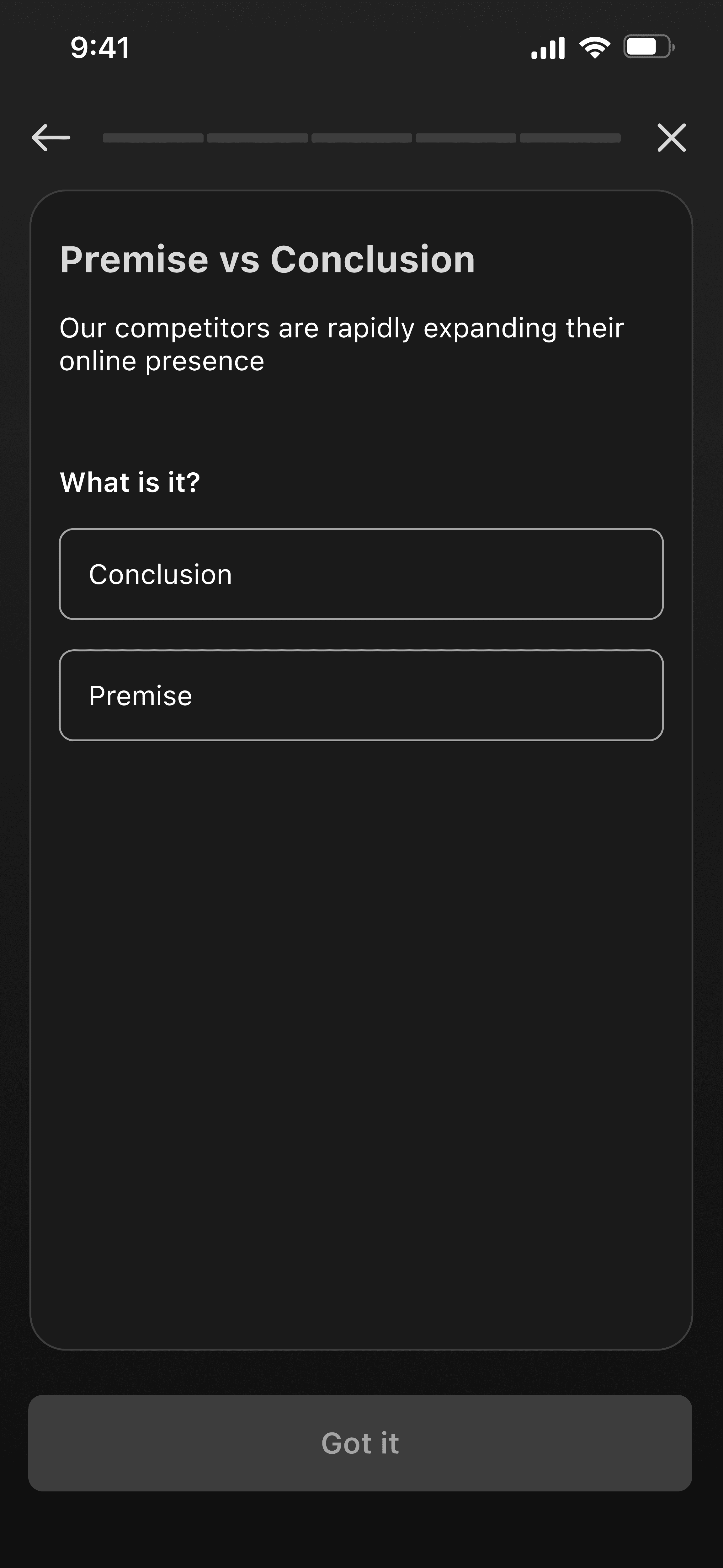
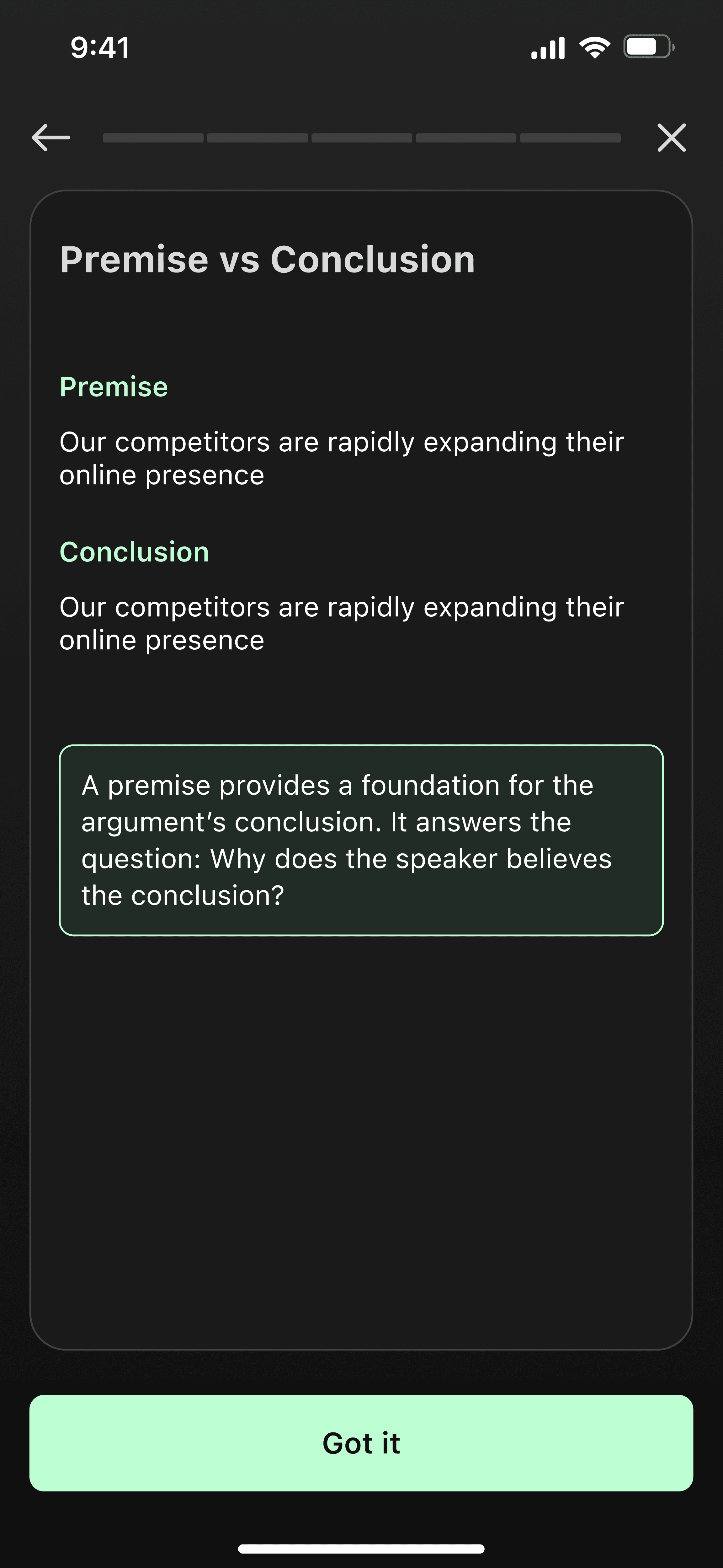
I turned the theory into a game mechanic. Now, the user has to mine the information.
Question → Answer = Interaction → Feedback
For complex examples, I used flip cards. Instead of staring at a static list of facts, the user has to physically interact to reveal them
This prevents detachment. Active hands keep the brain engaged in the process.
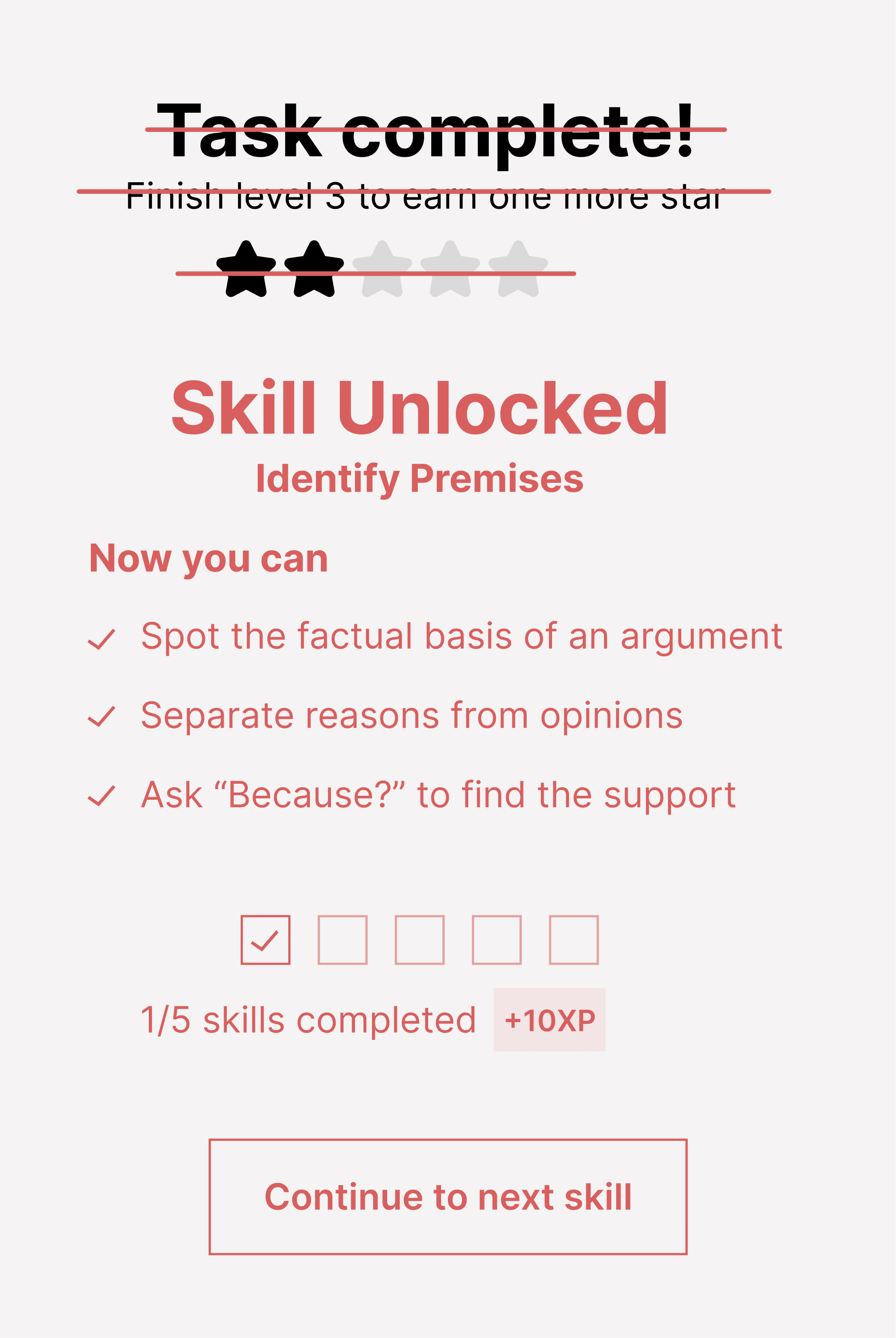
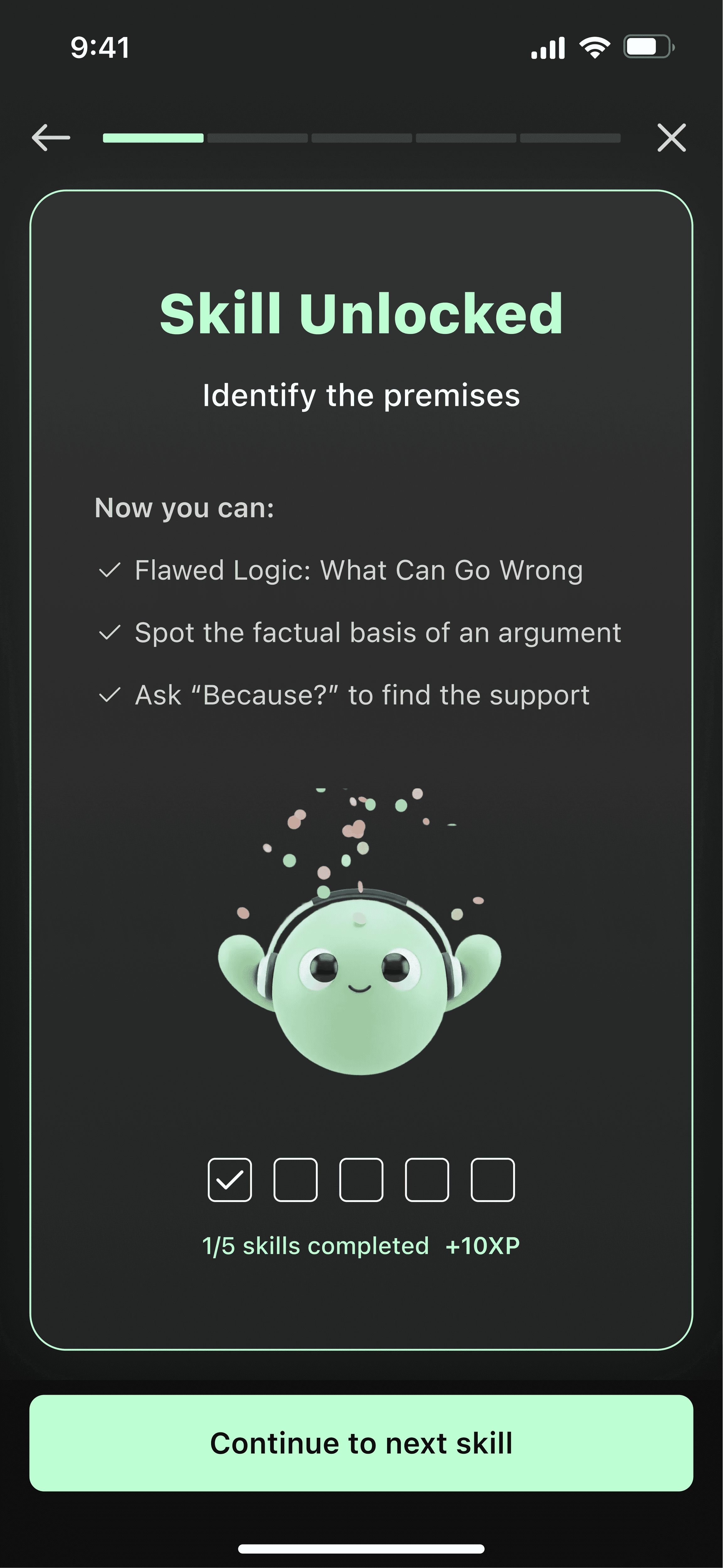
#3 Value Visualisation
Problem
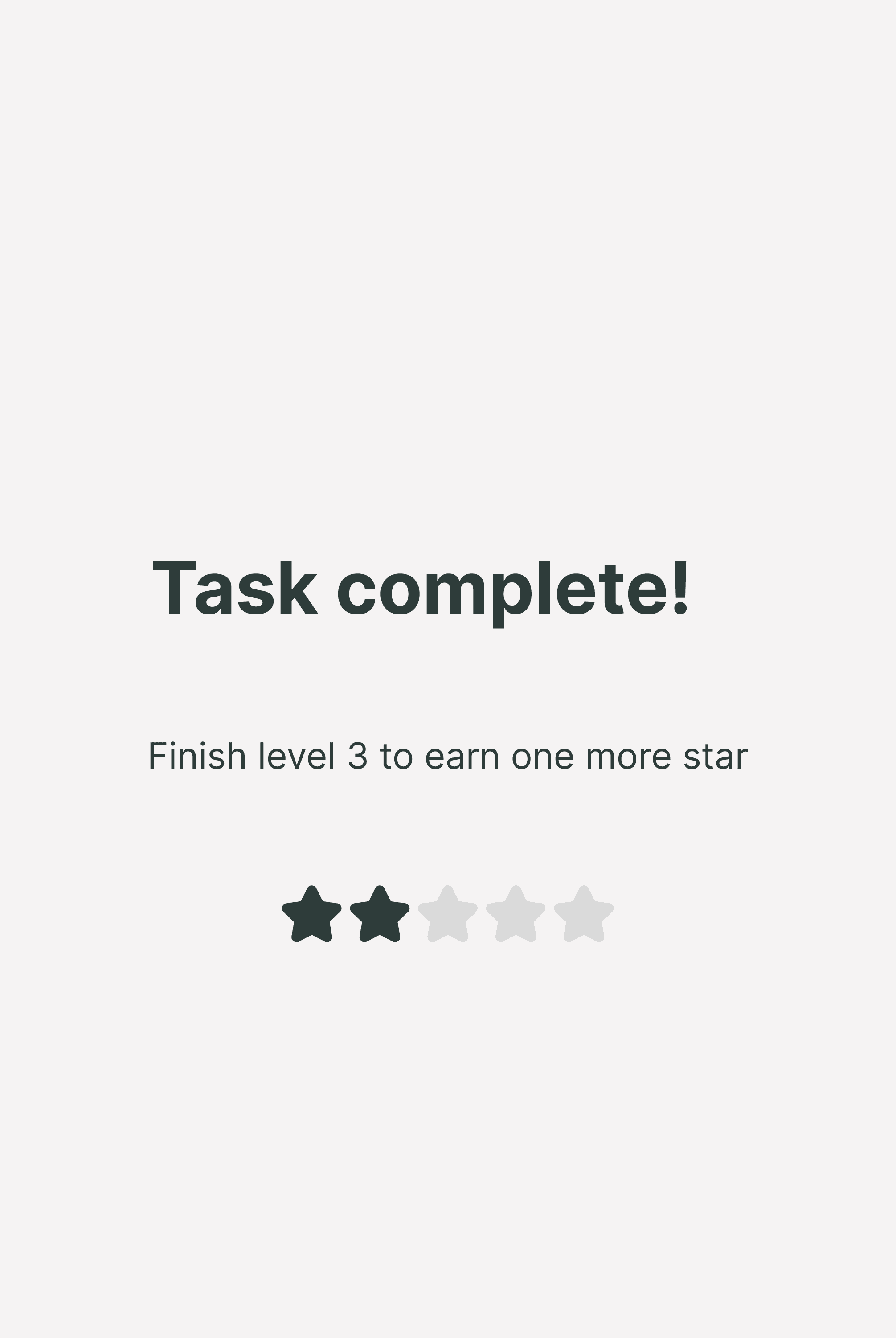
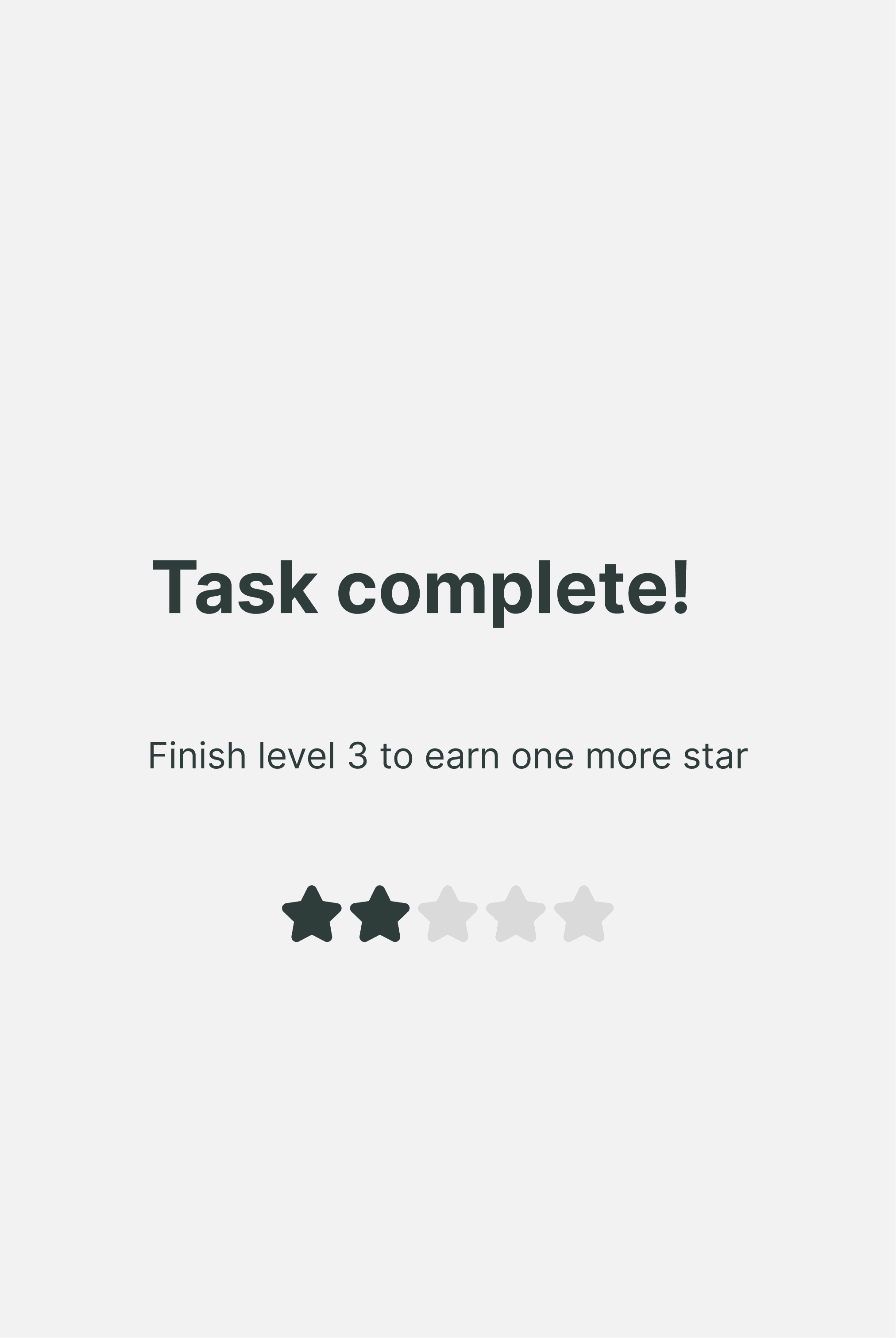
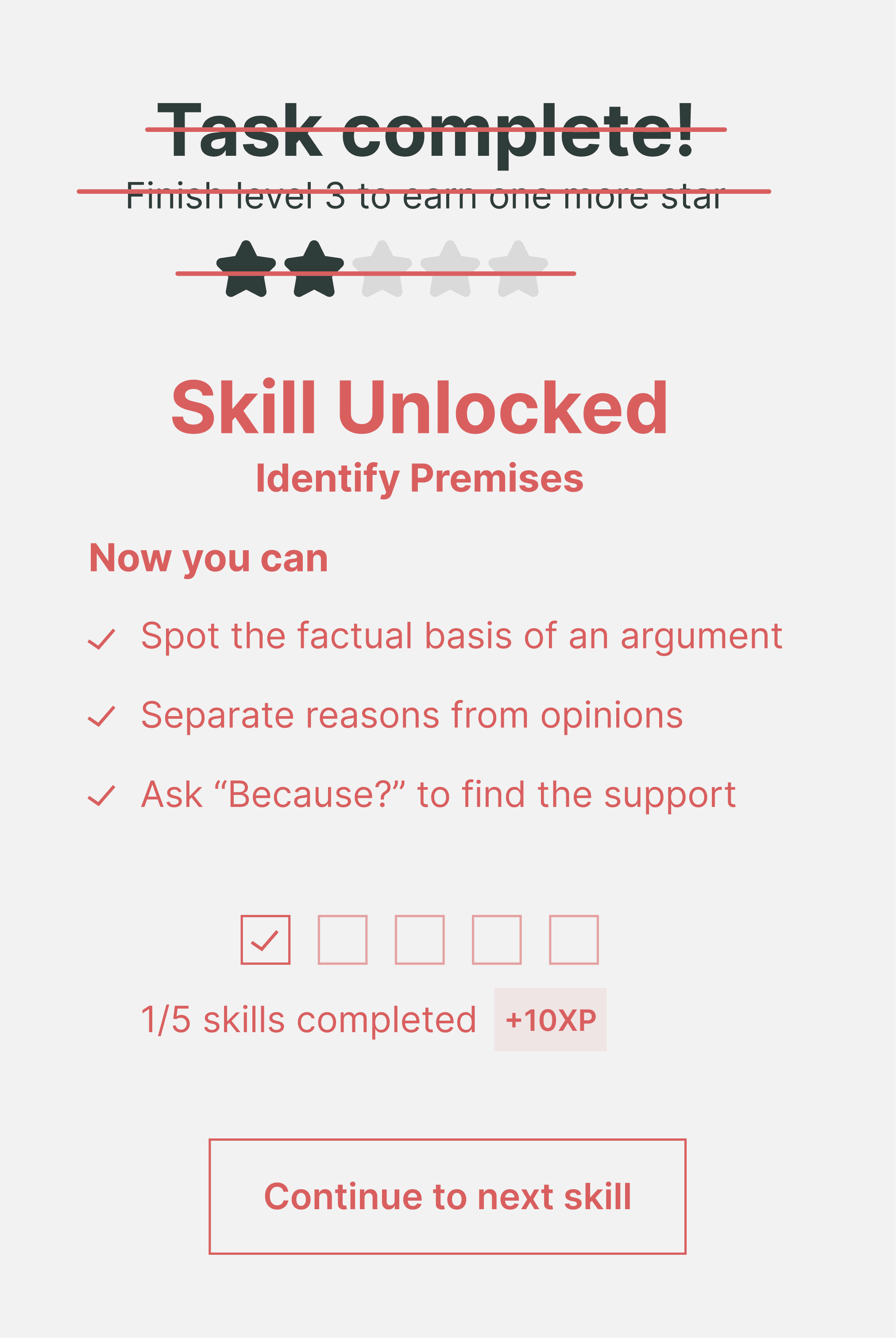
A generic "Task Complete" screen with stars felt empty.
It didn't answer the user's main question: "Did I actually get smarter just now?" It failed to show the real value of the session.

Design Validation
This redesign validated my core research principle: "Do-First" interaction.
By enforcing a tight Interaction → Feedback loop, I fundamentally changed the user's role. Instead of being spoon-fed theory, the user now has to mine the insights through decision-making.
This friction creates a sense of ownership. We remember what we solve far better than what we simply read. The content didn't change, but the experience transformed from a linear lecture into a turn-based game, keeping the user constantly engaged.
Final Design
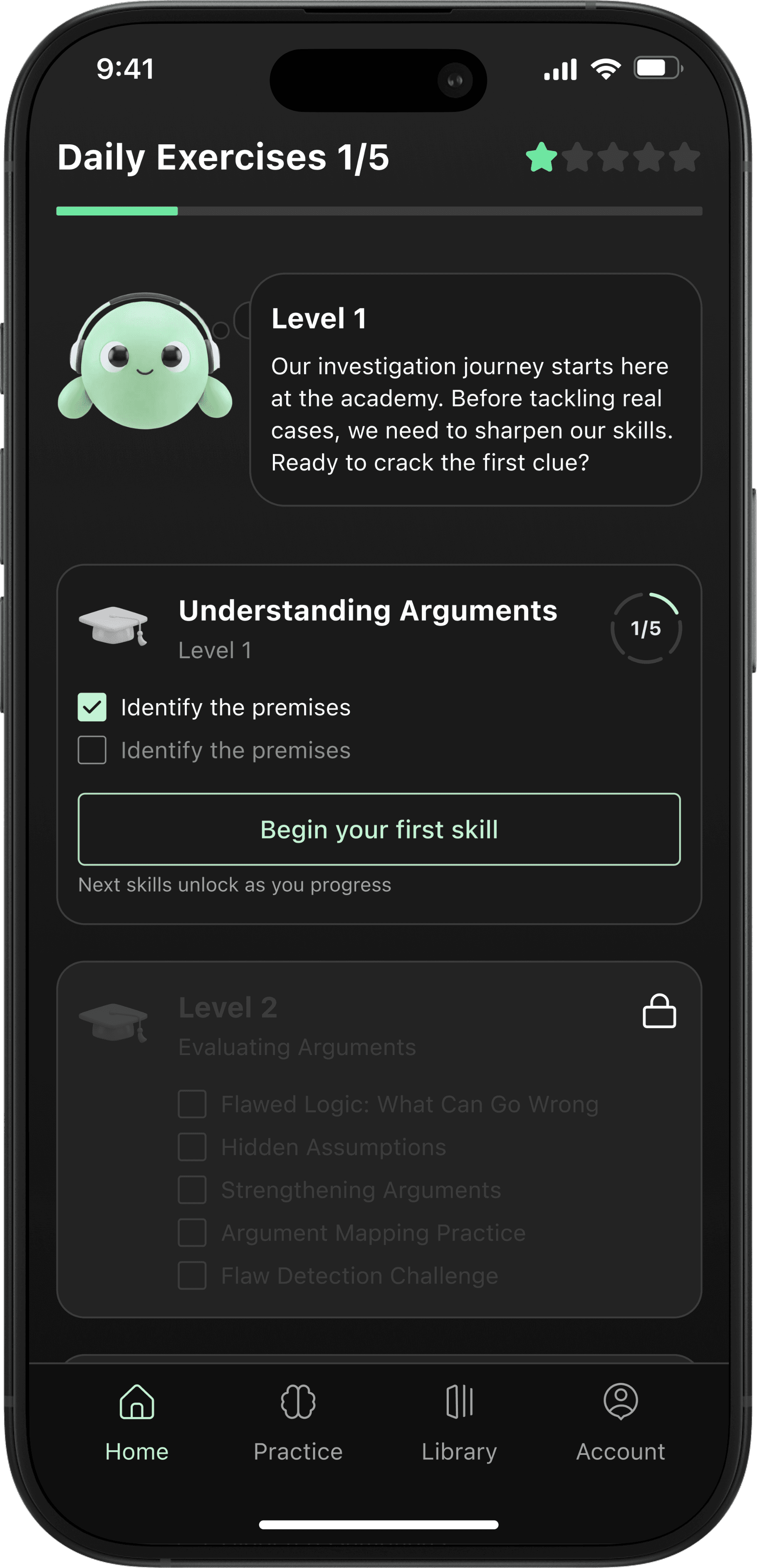
I designed the dashboard to prioritise action over consumption. Instead of overwhelming the user with theory, the interface serves as an interactive roadmap, breaking down complex skills into bite-sized, manageable tasks to encourage daily practice.

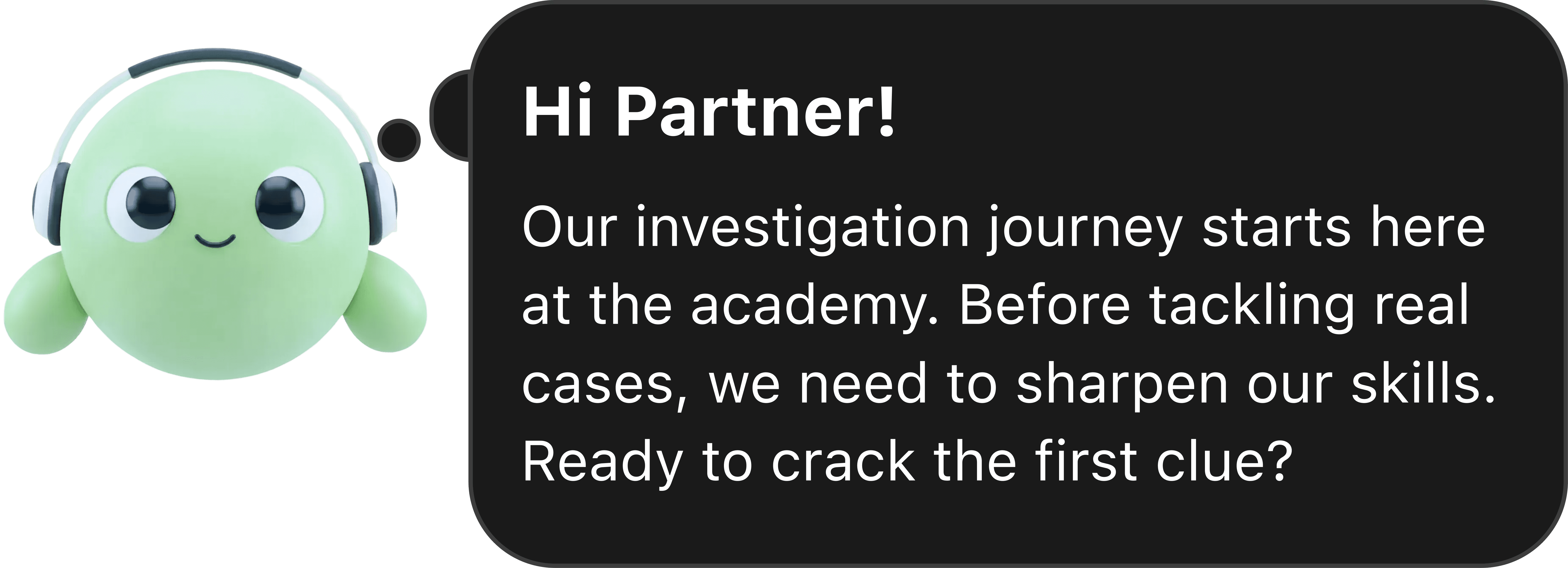
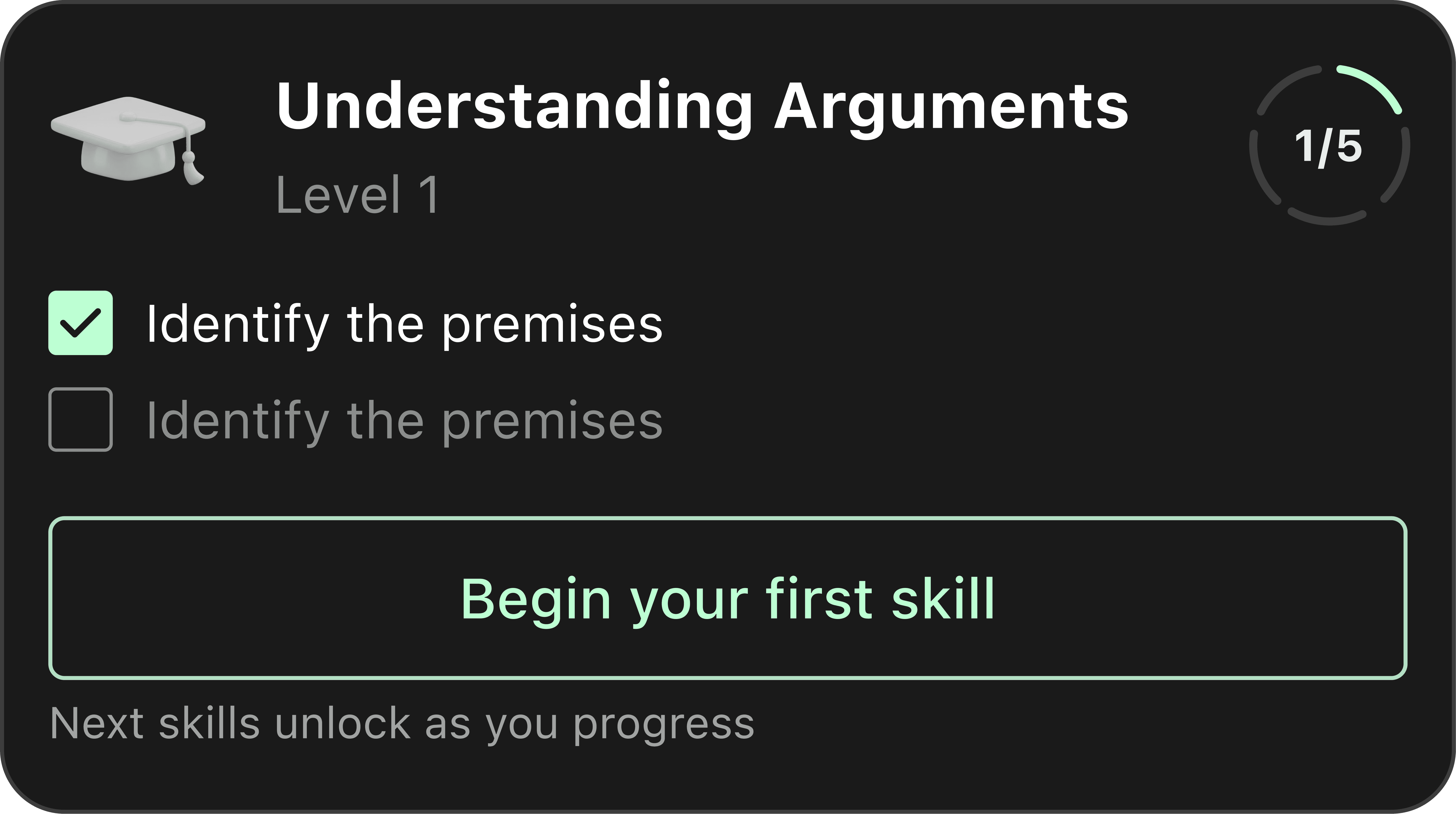
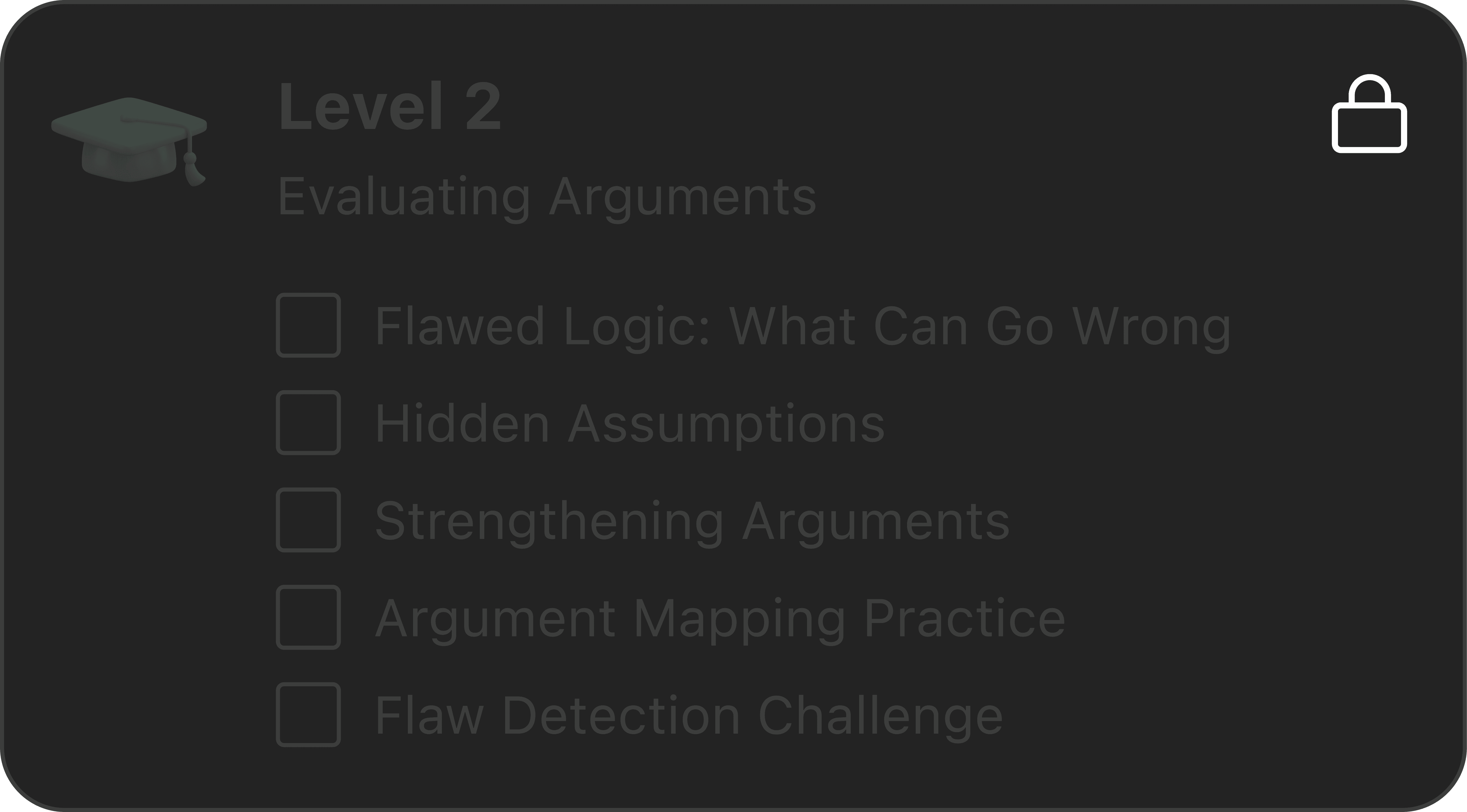


I chose a dark theme as a low-light environment to maximise mental endurance.
I chose a soft, unsaturated Mint as a primary colour as it’s easy on the eyes, making it suitable for daily, long-term practice.
Green naturally associates with progress. By using it for key actions, I reinforce a feeling of continuous forward momentum.
Conclusion
The Outcome
I approached this project as a challenge in behavioural engineering. My goal was to bridge the gap between knowing critical reasoning theory and actually using it.
By implementing the Do-First model, I transformed the user experience into an active training loop. Although the company later pivoted due to funding constraints, the behavioural framework established here proved that lowering the barrier to entry directly correlates with sustained user retention.